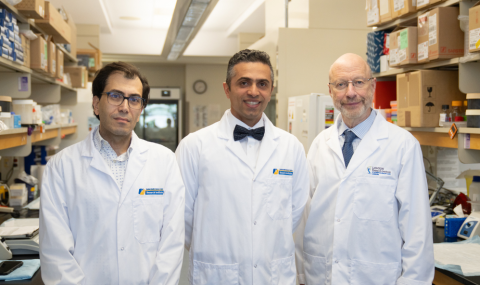
Pathology and Laboratory Medicine (PaLM) is a joint venture of London Health Sciences Centre (LHSC) and St. Joseph’s Health Care London. Leadership and staff are committed to providing a comprehensive range of routine and specialized testing and clinical consultation to patients within Southwestern Ontario and beyond. Clients from across Canada and internationally refer testing to our facilities. Collaboration with numerous research partners in London demonstrates our commitment to assisting in the advance of healthcare innovation for the future. Our laboratory teams are focused on providing quality driven patient care as well as offering educational training and continuing education for a broad range of health care professions.
Our Vision
Pathology and Laboratory Medicine is the cornerstone of the patient journey, uniting our teams in the pursuit of transformational knowledge, quality improvement and healthcare excellence.
Our Mission
Pathology and Laboratory Medicine is an integrated and collaborative team of faculty, staff and learners achieving excellence in knowledge sharing, knowledge creation and patient care; meeting the diverse needs of the patients, students and communities we serve and partner with; and pushing the boundaries of quality improvement and innovation in diagnostics to advance health outcomes.
Values
- Continuous Quality Improvement
- Leading Change & Innovation
- Accountability
- Respect For People
- Teamwork & Collaboration
- Diversity
Licences & Accreditation
Click the links below to download and view relevant PDFs